Opening and saving notebooks in Pluto
1. Saving a notebook
You can use the “Export” button at the top right of your notebook, highlighted in red here:

Notice that you can save your notebook in different formats.
- Choose “Notebook file” to save the file as notebook you can run in Pluto.
- Choose “Static HTML” to create a web page.
- Choose “PDF” to create a PDF.
Note that web pages and PDFs are static files: they may look exactly like a Pluto notebook, but they’re not actually in Julia.
2. Opening a notebook saved as a web page
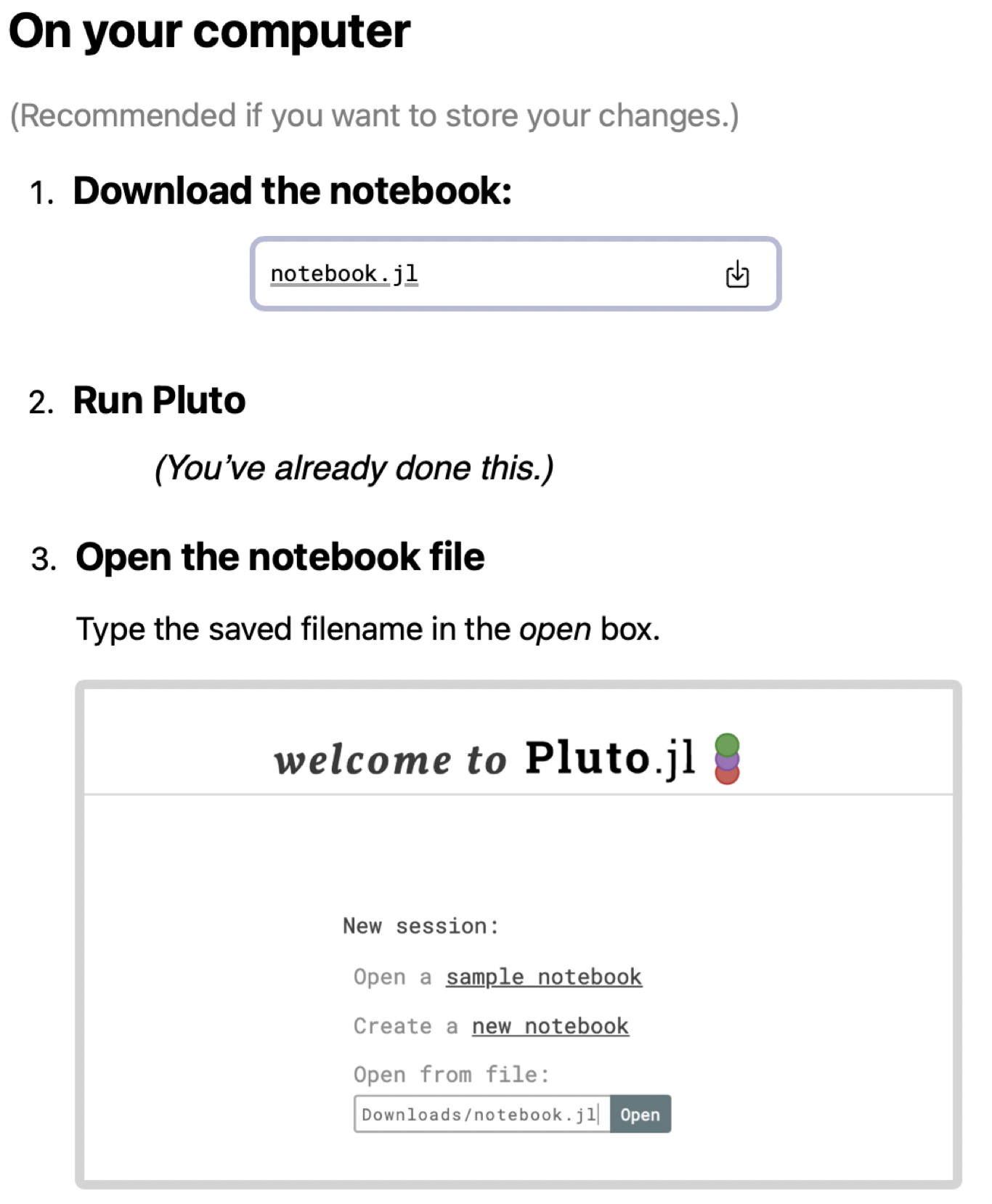
Our course web site includes that have been saved as web pages. To download them as a Pluto notebook and run them on your machine, run Pluto on your machine, then click the button “Edit or run this notebook” at the top right of the web page.
You’ll see a dialog box like the one illustrated here. Follow the instructions labelled “On your computer.”